Your lessons. Your ideas. Now in motion.
Motioncube Maker lets you create interactive exercises your students launch with a touch on the screen, with their feet on the floor or with movement on the wall. We are opening the platform to the first group of teachers.
online templates
creating, just like writing in Word
ready-made graphics, if you need them
for your students or your school
Know the feeling?
I do not know how else to engage them
Yesterday you gave a great presentation. Today the children are yawning. The worksheets end up crumpled at the bottom of the backpack again. You are looking for something that will truly grab their attention – but preparing something new takes half an evening.
I have an idea, but no time to make it happen
You come up with a great idea for a fractions exercise over your morning coffee. In the evening you sit down at the computer. You open five apps. An hour later you have half a result. The idea dies.
There is a device in the room, but I barely use it
You have an interactive floor or whiteboard. A great investment. But day to day you run the same three apps. You know you could get more out of it – but no one knows how, or has the time to deal with it.
Motioncube Maker solves every one of these stories. Next we will show you how.
What changes when you start using Motioncube Maker
Engagement you have never seen before
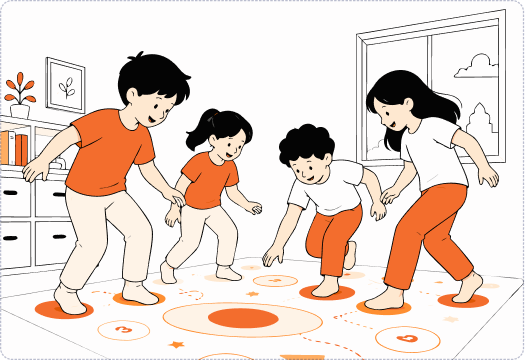
Your children are not sitting still. They jump. They clap. They work together in groups. They want to play "one more time". Instead of asking for quiet, you ask them to pause for a moment.
Because the exercise you designed appears on the floor or the whiteboard. And they are part of it.
Movement during learning engages both hemispheres of the brain. This is not just "nice fun" – it is a different kind of learning.
From idea to a ready exercise in 15 minutes
In the evening you have an idea for a lesson. You open Motioncube Maker. You pick a template. You type in the questions. The next morning the children play what you came up with the day before.
No learning new software. No frustration. With an immediate result.
For teachers. With ready-made templates that do all the "technical" work for you.

Ready-made exercises, just press play
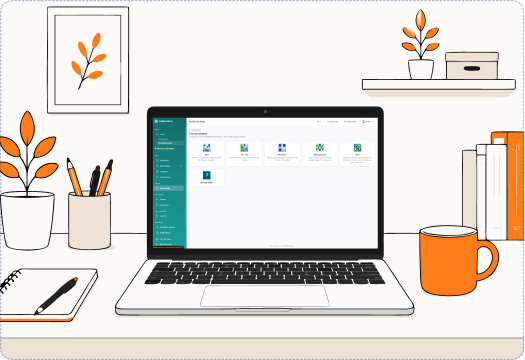
No time to create? Start with our library: 100 exercises in Polish, 100 in English. General knowledge, maths, therapy. Each one ready to launch.
And once you get going – create your own.
The library keeps growing. Also for older grades and specialists. A bonus to start with - a ready-made graphics base.
Let us show it with an example. Ms Anna, grades 1-3.
Anna plans Monday
On the agenda: adding up to 20. The children are tired of monotonous textbook exercises.
She opens Motioncube Maker. She picks the "Match the pairs" template. She types in 20 tasks. She adds digit graphics from the Motioncube library. She saves.
The whole process: 18 minutes.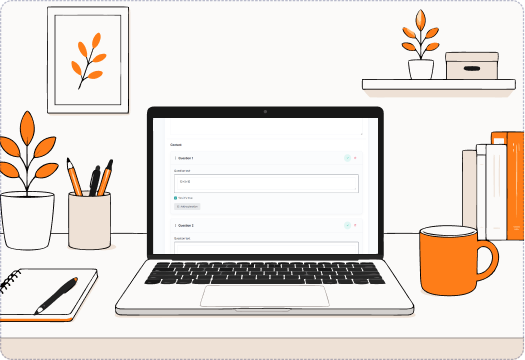
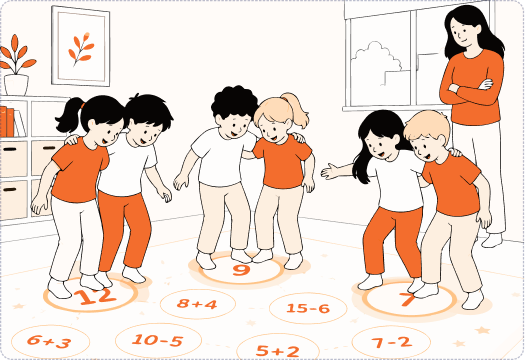
The class walks into the room
Anna turns on the Motioncube Player. She selects the exercise saved yesterday.
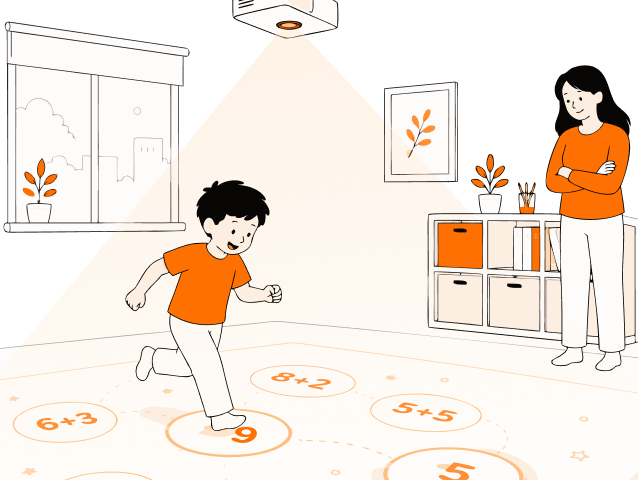
Arithmetic operations appear on the floor. The children stand in pairs. Each pair "catches" the result with their feet.
Hardware used: interactive projector or interactive monitorThe bell
The children ask for "one more!" exercise. Ms Anna promises one for Tuesday, on nature.
On the way to the staff room Anna already has an idea for the next exercise in her head.
"It was something completely different from what I used to do. The children were so engaged they did not want to stop playing!"
Whatever you teach – you will find yourself here
Early education (ages 3-7)
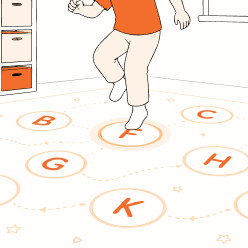
Play with shapes, animals, numbers, syllables. Children gain knowledge through movement, and you – finally get a moment to breathe during class.
Grades 1-3
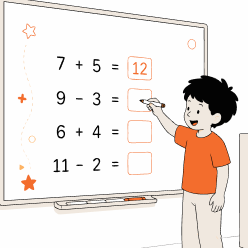
Maths, language, nature. Specific curriculum content arranged into interactive exercises that draw in even those who "do not like lessons".

Subject education (grades 4-8)
Geography, history, biology. Children can physically move across a map, a timeline, the digestive system. They discover for themselves, begin to understand, and remember more.
Therapy and specialists
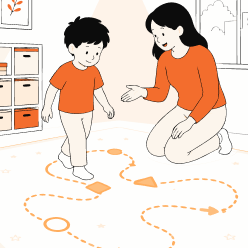
Exercises for sensory integration, attention, concentration. Combining motor work with cognitive work – exactly as you wanted, but never had the means to do it any other way.
One exercise, many devices you can run it on
The exercises you create in Motioncube Maker run on the devices in your room via the Motioncube Player. Each of them engages children in a different way.
Interactive whiteboard
A classic touchscreen on the wall. Children solve the exercise by touch, dragging elements with a finger. Connect your computer and run exercises right away.
Motion interactive floor
An image projected on the floor reacts to the movement of walking children. Children "catch" answers with their feet, jump and work together in groups. Your exercises sync automatically on your Motioncube floor.
Floor operated with pens
The same floor, but controlled with special pens. It allows more precise work — drawing, connecting, writing. All you need is to connect your computer to an interactive projector with pens.
Wall with ball interaction
A large surface on the wall reacts to ball throws. Ideal for energetic exercises combining movement with concentration and perception. Your exercises sync automatically on your interactive wall.
Computer workstation
An ordinary computer with a mouse and keyboard. Great for individual work and for designing and previewing exercises. Connect a touch monitor and start using interactive exercises by touching the screen.
You create the exercise once — we adapt it to the device you run it on.
Already have an interactive whiteboard in the room?
Then you already have everything ready. Activate Motioncube Maker for free and:
- Use the starter library
- Create your own exercises with no hardware limits
- Work together with your colleagues at the school
Scan the code from the device in the room
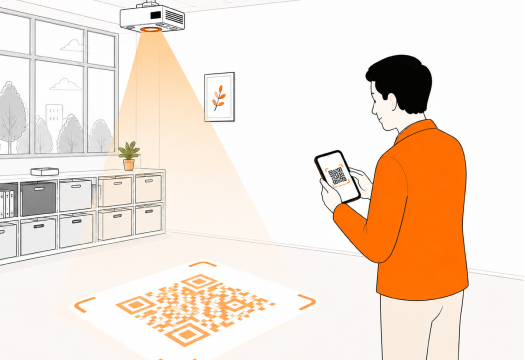
Open Motioncube Player > My exercises > Activate Maker > Show code

Do not have any device yet? You can still start today.
Set up a free Motioncube account and start designing exercises in your browser. See how it works. Show management concrete results.
When a device arrives at the school – your exercises will be ready.
Be among the first teachers creating activities with Motioncube Maker
We have just launched. Instead of showing you made-up testimonials, we say it straight: we are looking for the first group of teachers who want to transform their lessons.
You use it for free
You set up an account and start creating exercises on your computer. No fees, no credit card, no hidden conditions on renewing your account.
You reach our team whenever you need
You write to us by email or on a dedicated channel – the person building the product replies. Your feedback goes straight onto our roadmap.
You create for your students
You are in a group of 50 teachers creating what they currently need for their students. Along the way – you have a say in which further templates and features appear.
We say it honestly: we do not yet have thousands of users or case studies in municipalities. We have a working product, a base of 50+ online templates, a clear vision and open spots in the first pilot group. If you like being among innovators (and among the first) and influencing the tools you use – you are on the right page.
Are you a school principal? See how to start at your school →
Three steps to your first exercise
Create a free account
Email, first name, last name, school. That is all.
Activate Motioncube Maker
You accept the terms. You unlock the first 5 exercises right away.
Create your first exercise or use a ready-made one
You pick a template and type in questions. Or you take something from the library. Your class starts playing.
